
Codex CLI 対 Desktop: 2026 年ワークフロー比較
Table of Contents
Codex CLI は明示的なコマンドとスクリプト実行を使う shell 中心の作業に向きます。Codex desktop はプロジェクト、会話、視覚的な出力、レビュー画面をまとめる作業に向きます。監督方法に合う画面を選び、model、repository、execution policy はそろえてください。 名称について: 以前の OpenAI Codex app 文書は現在 ChatGPT desktop app documentation に移動します。このガイドではアプリの開発作業を “Codex desktop” と呼びます。repository access のない通常の chat は coding agent ではありません。
主なポイント
- shell の組み合わせと反復実行には CLI を使います。
- project organization、visual review、scheduled-task management には desktop を使います。
- 実行場所を明示します。 特に remote connection では重要です。
- 画面は良い code や独立した inference allowance を保証しません。 範囲と日付: 公式文書を 2026 年 10 月 10 日に確認しました。推奨は workflow の比較で、測定した model performance ではありません。repository、working tests、account access を用意し、1 時間の試行を行います。
Workflow を比較する
| 必要なこと | Codex CLI | Codex desktop |
|---|---|---|
| repository 作業を開始 | shell directory から起動 | project と execution environment を選択 |
| scripted task を反復 | codex exec | prompt を準備して output を目視確認 |
| 複数 task を確認 | terminal/session workflow | project と chat の整理 |
| 変更を review | terminal command と review control | diff と review panel |
| schedule を管理 | script の外部 job runner | scheduled-task management interface |
| 変更を分離 | separate checkout/worktree | integrated worktree workflow |
| 共有する agent foundation が重要です。 OpenAI は Codex as a platform で CLI、app、IDE extension を agent runtime の interface と説明します。runtime は state、tool、policy を管理し、画面の違いは context と結果確認に影響します。 |
CLI が合う場所
codex
目的の repository から起動します。 CLI guide は inspection、editing、command、review を説明します。
codex exec "Identify the documented test command. Do not modify files."
限定した scripted task には codex exec を使います。
Non-interactive reference
を読み、調査では read-only policy を使います。編集しないという文は instruction であり、filesystem boundary ではありません。production script では credential、repository、timeout、permission、output、failure handling を定義し、execution contract を version control に保存します。
Desktop が合う場所
Desktop は関連作業を一つの workspace にまとめます。 project switching、file inspection、connected tools、long-running tasks を使い、terminal をまたいで context を作り直さずに実装、rendered artifact、review を行えます。 Review は具体的な違いです。 Code-review documentation の descriptions、changed files、comments、checks を確認します。diff 外の behavior には別の evidence が必要です。visual task では screenshot と viewport を指定し、人の review time と model response time を分けて測ります。
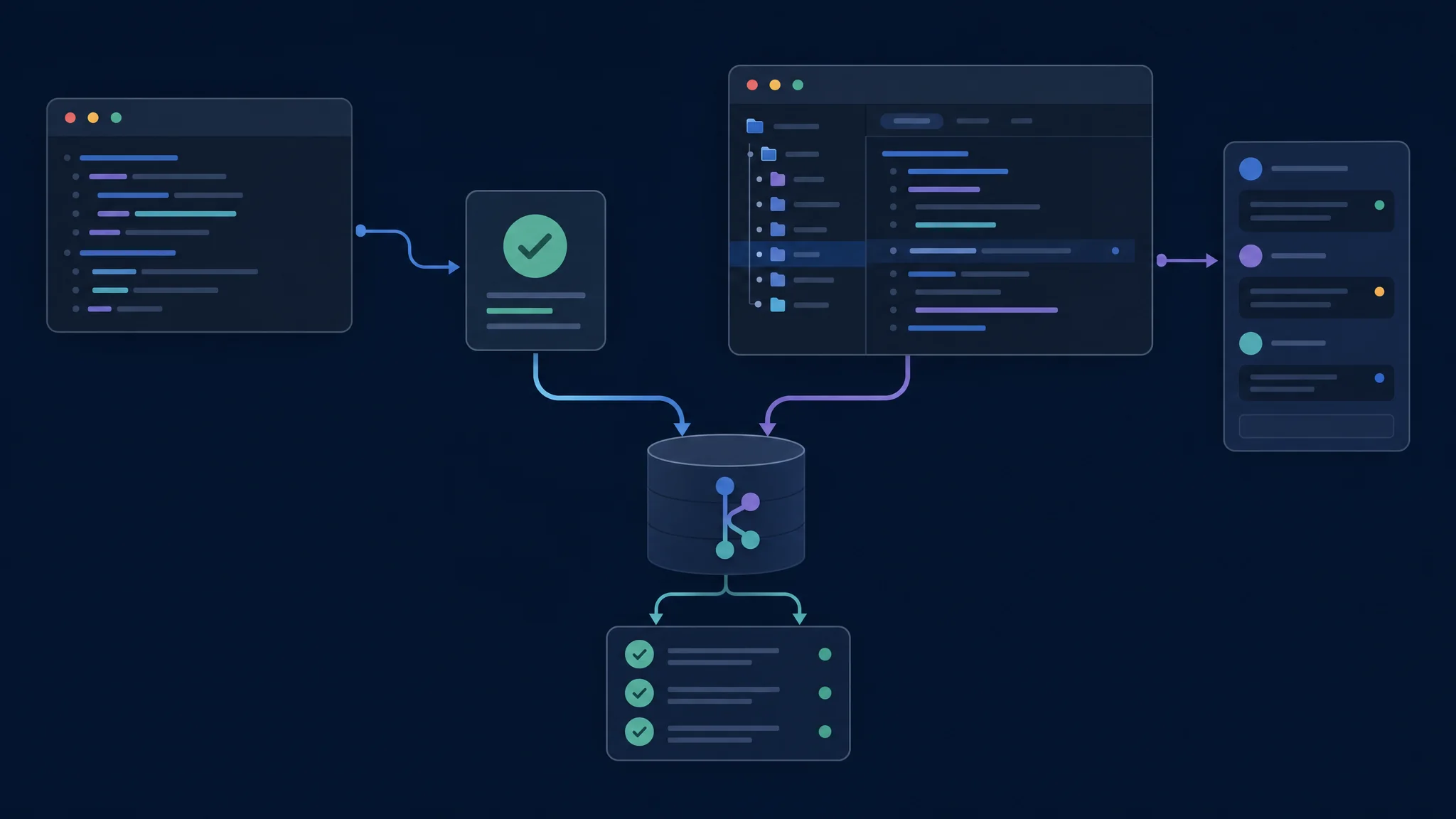
比較中は repository と acceptance criteria を一定に保ちます
Worktree と実行場所
Worktree は Git repository の別 checkout です。 OpenAI の worktree guide は isolated parallel chat と managed worktree の移動を説明します。Isolation は merge ではありません。 diff、check、branch、dependency、ignored file、external service を確認します。
| task 前 | 確認 |
|---|---|
| repository | 正しい project と base revision |
| checkout | existing directory または isolated worktree |
| execution host | file と tool のある computer |
| environment | runtime、dependency、test service |
| permission | 許可された file write と network |
| 同じ environment で比較し、client のせいにする前に差を記録します。 |
Scheduling と Permissions
Desktop は schedule management を提供します。
Scheduled-task guide
は management interface と CLI を区別します。ローカル実行では application と computer が利用可能である必要があります。codex exec を shell scheduler で囲む構成は別です。Permission は execution environment に適用されます。
Permissions reference
を確認し、GUI approval と sandbox policy を混同しません。account の sign-in、model、usage、billing route も各 interface で確認します。
1 時間の試行
- clean baseline と independent acceptance test を持つ bounded change を準備します。
- 同じ model と policy で別 checkout から各 interface を実行します。
- 最初の patch を確認して correction を一度依頼します。
- final diff と同じ verification command を確認します。
- context、output、approval の effort を記録します。 shell で反復しやすければ CLI、project organization と visual review が監督を減らせば desktop を選びます。starting revision、model、host、permission、command、verification を記録します。
Troubleshooting と次の手順
missing file では environment を確認します。 project、checkout、execution host、runtime、dependency、application の状態を調べます。ベンダーは別々に比較し、terminal alternative は CLI master comparison 、graphical editor と extension は GUI master comparison を使います。
Related Posts